

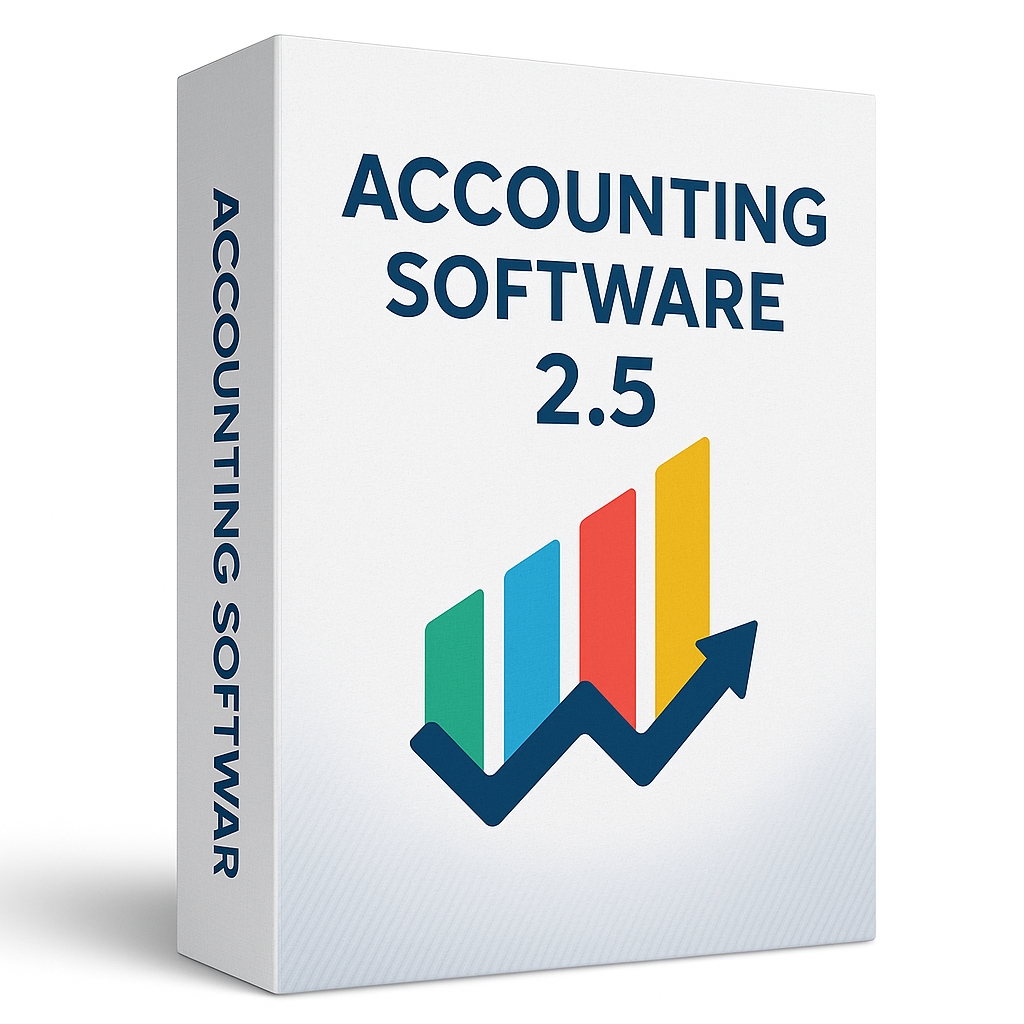
$79.99
This software is compatible on both Windows or Mac systems.
You will receive your download and product code instantly via email.
Simply pay once for a lifetime license which never expires.
Download direct from QuickBooks website with step-by-step installation guide.
You will receive your download and product code instantly via email.
This software is compatible on both Windows or Mac systems.
Simply pay once for a lifetime license which never expires.
Download direct from Intuit website with step-by-step installation guide.

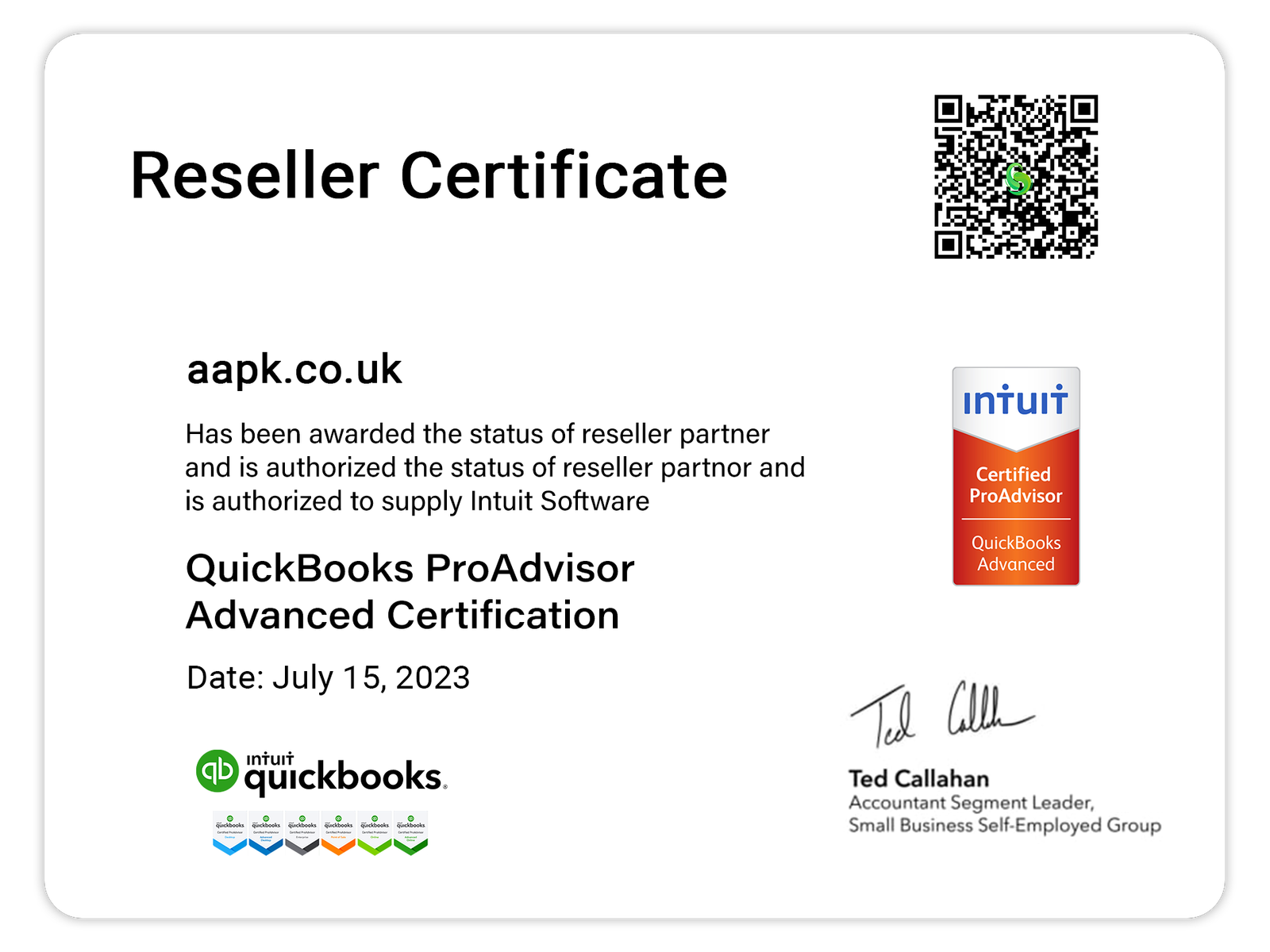
We offer Intuit ProAdvisor licenses registered under our company. With our QuickBooks ProAdvisor desktop licenses, you receive the full benefits of an authentic Intuit license. Your software and company data/files remain securely stored locally on your own computer at your workplace. Since this is the desktop version, not the online version, your data is not stored in the cloud, and no one can access your files remotely.
Upgrade your business finances with Accounting Software 2.5, the latest release in our powerful and intuitive accounting suite. Whether you’re managing invoices, expenses, taxes, or financial reports, version 2.5 brings even greater speed, accuracy, and automation to your workflow.
Delivered via instant email download and backed up with a professional boxed version shipped to your door, this hybrid solution keeps your business running smoothly, no matter where you are.
📧 Instant Digital License & Download Instructions
📦 Shipped Physical Box with Installation Backup + Serial Key
🔹 Improved Smart Invoicing – Save time with templates, auto-reminders, and recurring billing
🔹 Refined Interface – Smoother navigation and faster loading times
🔹 Enhanced Data Sync – Real-time cloud updates across devices
🔹 Visual Financial Dashboard – Easy-to-read graphs and performance insights
🔹 More Integrations – Connect with banking apps, CRMs, and eCommerce platforms
🔹 Custom Tax Profiles – Streamline compliance in any region
🔹 Multi-User Access Control – Manage permissions for teams or accountants
🔹 Offline Mode – Continue working even when you’re disconnected
Great for:
✅ Freelancers & Consultants
✅ Small to Mid-sized Businesses
✅ Remote Accounting Teams
✅ Bookkeepers & Finance Managers
Yes, QuickBooks supports importing data via Excel or CSV files. For certain software like Quicken or older QuickBooks versions, there are specific import tools. You may need to map fields correctly to ensure data accuracy.
Yes, QuickBooks offers integrated payroll options, including automatic tax calculations, direct deposit, and employee self-service portals.
NOTE: Payroll has to be manually added. We can guide you through this once you purchase.
Partnering with us means you gain access to trusted QuickBooks solutions, tailored support, and unmatched value. We pride ourselves on delivering:
As a small business owner, QuickBooks has been an indispensable tool. It makes managing invoicing, tracking finances, and generating reports simple and efficient. The platform is user-friendly, making it easy to correct mistakes, run detailed reports, and handle all the essential financial tasks needed to operate a business smoothly.
I used QuickBooks from 2016 to 2022 and found it to be an excellent program. However, it felt very expensive until I bought it from these guys and I cant complain I’ve got an absolute bargain!
I really enjoy using QuickBooks. Having worked with systems like PeopleSoft, NetSuite, and SAP, I can confidently say that QuickBooks is the most user-friendly and the one I’ve enjoyed using the most.
Overall, my experience has been positive. It has eliminated duplicate charges to customers and significantly reduced address errors – as long as the address is entered correctly on the estimate. We also have two other programs integrated with QuickBooks Desktop (for credit card processing and shipping), which minimizes manual data entry and helps reduce mistakes.
Copyright ©2025 QBD Buy. All rights reserved.
